
A failed document upload during electronic family pocket activation can delay your benefit by two to three weeks. That single glitch trips up more families than any eligibility rule.
Most guides on digital benefit activation walk through the same five steps and call it done. None of them talk about what happens when the system rejects your ID scan at 11 PM on deadline night, or when a phishing text looks identical to the real agency notification.
This article is for the caregiver or head of household doing this for the first time, probably on a phone, probably without a desktop computer, and probably nervous about making a mistake that costs real money.
Why the Notification Stage Is Where Families Get Scammed
The activation process starts before any login screen. It starts the moment a letter, SMS, or email arrives telling a family they qualify for digital benefits. And this is the stage where the damage happens.
Phishing Texts That Mirror Official Messages
Scam messages targeting benefit recipients have grown more precise in 2026. They copy agency logos, use similar sender names, and link to pages that look almost identical to the real portal. The difference is often a single character in the URL.
Check the sender's domain character by character. A government agency will send from a .gov or official domain. Scam links often swap a letter or add a word.
If the message asks for a Social Security number, bank login, or payment before you even have an account, it is fake.
I would trust only direct mail from the agency or a message received through an app already installed from an official source, like Caixa TEM for Brazilian Bolsa Família recipients. Any SMS with a shortened link deserves suspicion.
The One Detail That Separates Real Notifications From Fake Ones
Real activation notices give you a reference number tied to your existing case file.
They do not ask you to "verify your identity" by clicking a link in the message itself. The verification happens after you log in to the official portal using credentials you create yourself.
Fake messages reverse this order. They ask for personal details first, then promise portal access second.
Creating a Secure Login: The Step Everyone Rushes
After confirming the notification is real, the next step is account creation. And this is where impatience creates long-term problems.
Password Mistakes That Lock Families Out
The portal typically requires a national ID number, a reference code from the notification, and a new password. Families rushing through this step pick short passwords, reuse passwords from other sites, or forget what they entered ten minutes later.
A locked account on a benefit portal is harder to recover than a locked email. Benefit portals often require in-person identity verification to reset credentials, which means a trip to a government office during business hours.
Write the password on paper. Store it somewhere specific. Two-factor authentication, if the portal offers it, adds maybe 10 seconds per login and blocks most unauthorized access attempts.
A Contrarian Position on Password Managers
The standard advice for digital security is to use a password manager app. I think that advice fails for this specific audience.
A parent activating a government benefit portal for the first time, on a budget smartphone with limited storage, is not going to download and learn a password manager the same day they are setting up a benefit account. Paper works.
A notebook in a kitchen drawer works. Telling someone to adopt a new software tool during a stressful activation process adds friction at the worst possible moment.
Verification Delays: What Triggers Them and How to Avoid a Two-Week Wait
Once the account exists, the portal asks for identity verification. This can mean uploading a photo of a government ID, confirming personal data already on file, or both. The verification step is where the largest number of families get stuck.
Why Document Uploads Fail
Three common reasons a document upload gets rejected:
- The photo is blurry, cropped, or shows glare from a flash. Take the photo in natural light, on a flat surface, with no fingers visible at the edges.
- The file size exceeds the portal's limit. Government portals in 2026 still cap uploads at 2 to 5 MB on many systems. A high-resolution phone camera can produce 8 MB images by default.
- The name on the uploaded document does not match the name in the system exactly. A missing middle initial or an accent mark on a letter can trigger a mismatch flag.
The Mismatch Problem Nobody Flags
Name mismatches between your CadÚnico registration (or equivalent national registry) and your uploaded ID cause more verification failures than technical glitches. If your ID says "María" and the system has "Maria," that single accent mark can halt the process.
Check your registration details through the agency's official site before uploading anything. Fix discrepancies first. Upload second.
Using the Benefits Dashboard After Activation
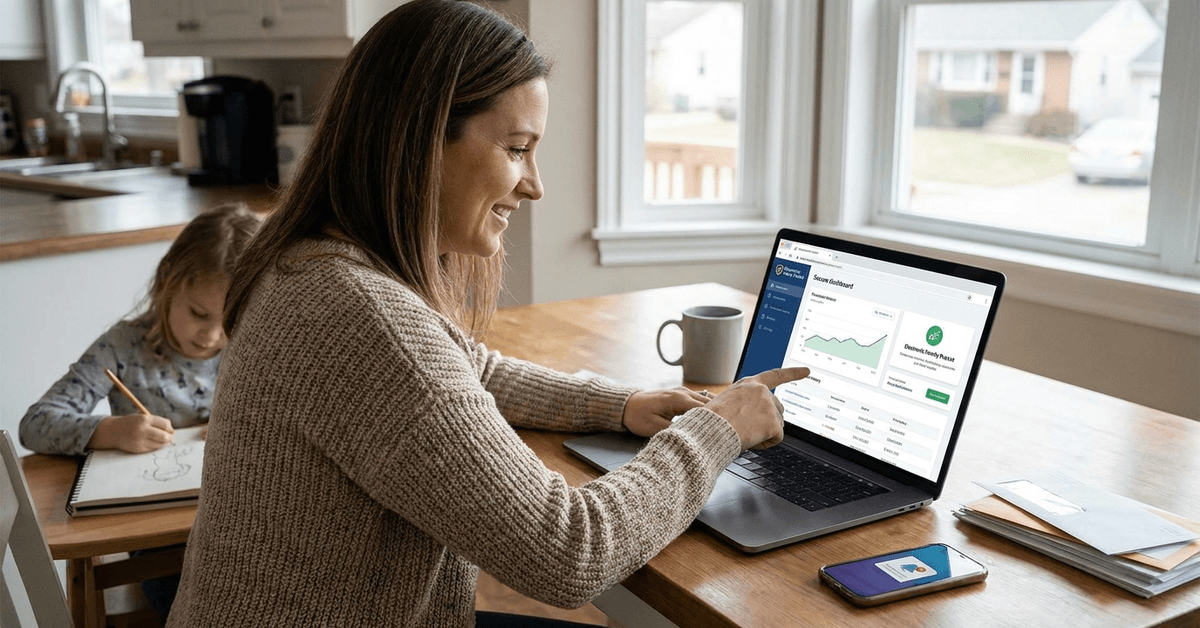
After verification clears, the portal opens a dashboard showing payment status, transaction history, and upcoming eligibility reviews.
The dashboard is also where the portal posts program updates and deadline reminders. Some families miss renewal deadlines because they only check the dashboard when they need to withdraw money.
Setting Up Alerts Changes Everything
Most digital benefit portals offer SMS or email alerts for new deposits, upcoming renewals, and eligibility reviews. Enable all of them during the first login session.
A missed renewal deadline can suspend benefits for a full payment cycle. For families receiving R$ 600 per month through Bolsa Família, that gap represents groceries, school supplies, and utility payments.
What to Do When the Dashboard Shows Unfamiliar Activity
If the transaction history shows payments or withdrawals that did not come from the account holder, report the activity through the portal's support section immediately. Do not wait. Do not assume it is a system error.
Contact the benefit agency directly through the phone number listed on the official portal, not through a number found in a text message or email.
Renewals and Appeals: The Part That Catches Families Off Guard
Eligibility for digital benefit programs requires periodic renewal. The portal sends reminders, but the deadlines are firm.
Keep these documents ready before renewal season:
- Proof of household income (pay stubs, tax filings, or a signed declaration)
- Proof of household size (birth certificates, school enrollment letters)
- Updated address confirmation
- Any medical or disability documentation required by the specific program
Appealing a Denied Renewal
Denied renewals can be appealed through the portal's dedicated section. The appeal process varies by program and region, but a common mistake is submitting the appeal without attaching supporting documents. An appeal with no documentation attached is almost always rejected.
Persistence matters here. Response times vary. Some agencies process appeals within 10 business days. Others take a full month.
Staying Safe on Digital Benefit Platforms in 2026
No portal is perfectly secure. But most official platforms follow FTC privacy guidelines and encryption standards that protect data in transit.
A few habits reduce risk:
- Log out after every session, especially on shared devices
- Never access the portal through a public Wi-Fi network without a VPN
- Update the account password every 90 days
- Check the transaction log at least once per week
If the portal asks for information it has never requested before, like a bank PIN or a credit card number, stop and call the agency.
Questions People Ask About Electronic Family Pocket Activation
These are the searches that come up most often around this topic.
- Q: What happens if I lose access to my electronic family pocket account?
Most portals have a recovery process that involves confirming identity through email, SMS, or security questions. If those fail, an in-person visit to the agency office with a photo ID is usually required. Keep recovery details current even after initial setup. - Q: Can another family member activate the benefit on my behalf?
Some programs allow a designated caregiver to manage the account, but that person typically needs power of attorney or a specific authorization form from the agency. Sharing login credentials without formal authorization puts the account at risk of suspension. - Q: Does activating a digital benefit account affect other assistance programs?
Each program is managed independently in most systems, though some share eligibility data. Activating one digital benefit account does not automatically disqualify a household from another program. Check directly with each program's agency to confirm.
Conclusion
Activating a digital family benefit account takes about 20 minutes when everything goes right on the first try. The families who avoid delays are the ones who verify their notification source, check their registration data, and upload clean documents.
A few minutes of preparation at the start saves weeks of frustration after a rejected upload or a locked account. Treat the activation like paperwork that matters, because the money on the other side of it does.